

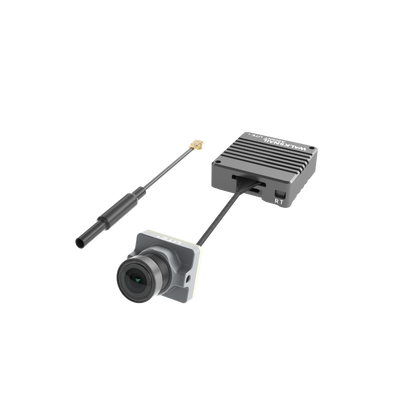
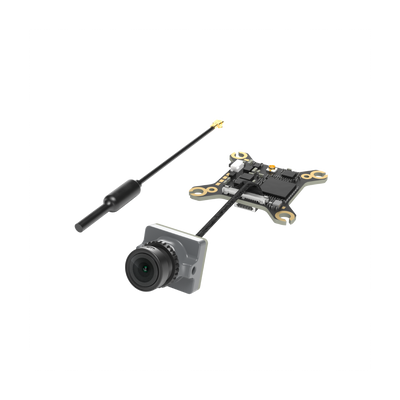



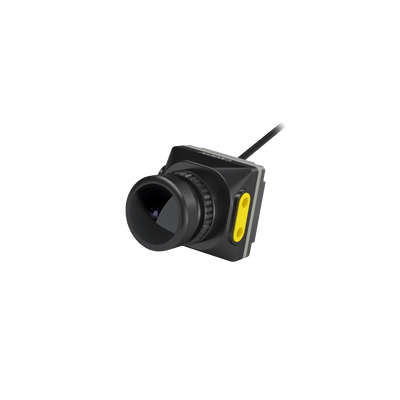


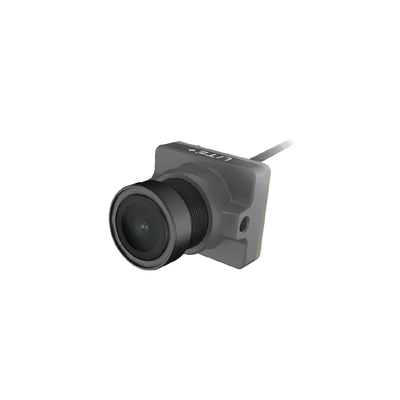
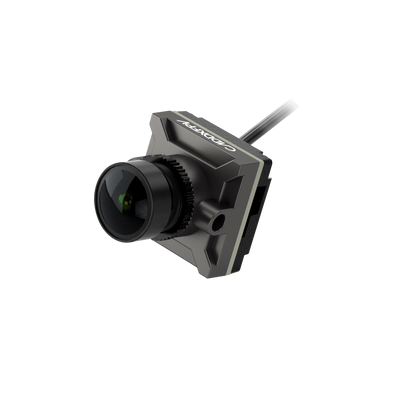


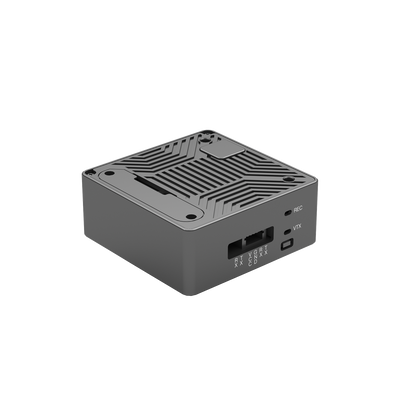

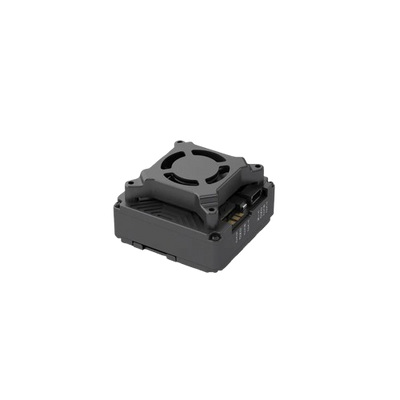


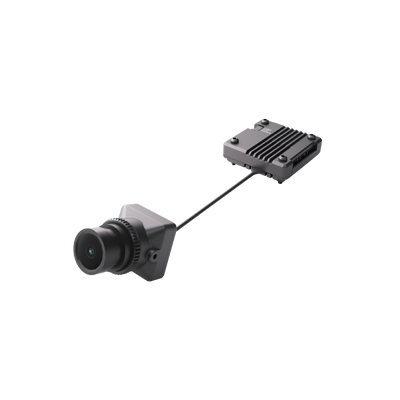
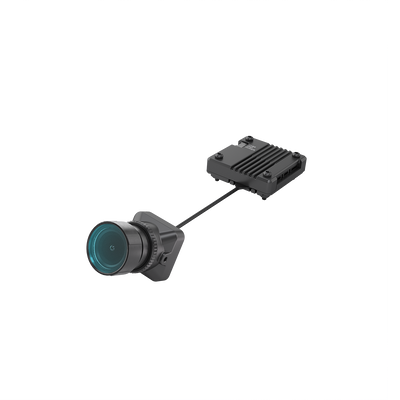
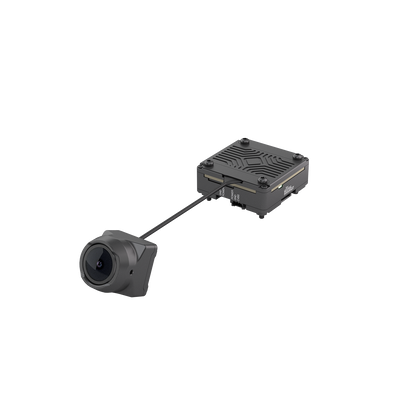
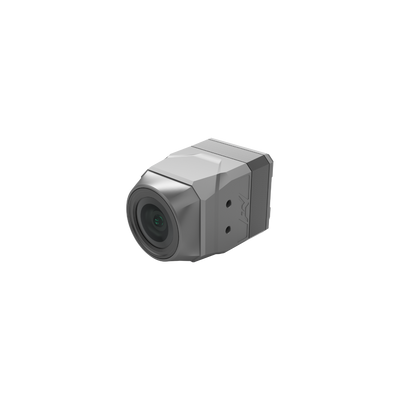
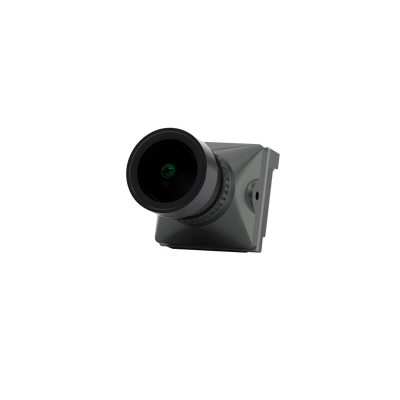
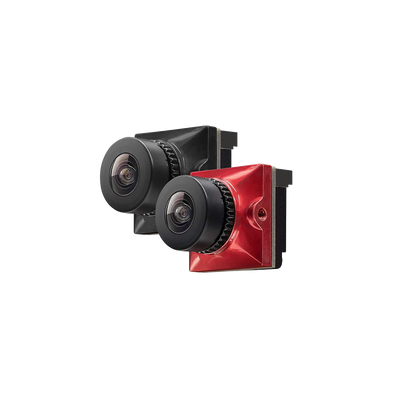
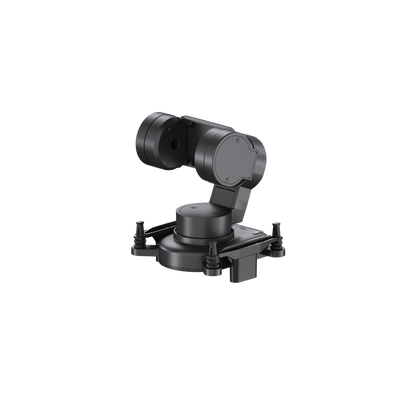
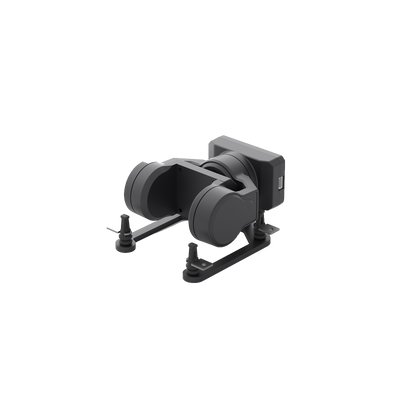
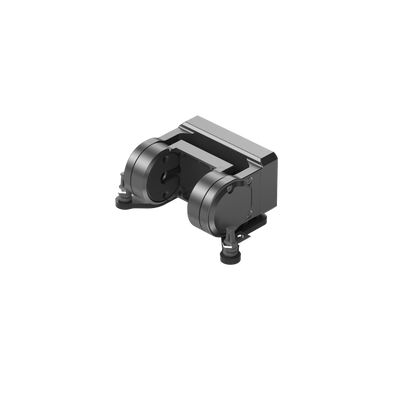






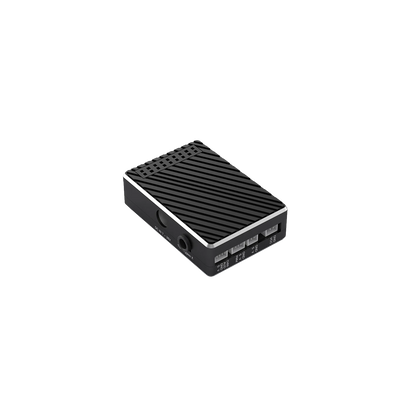






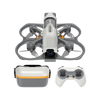



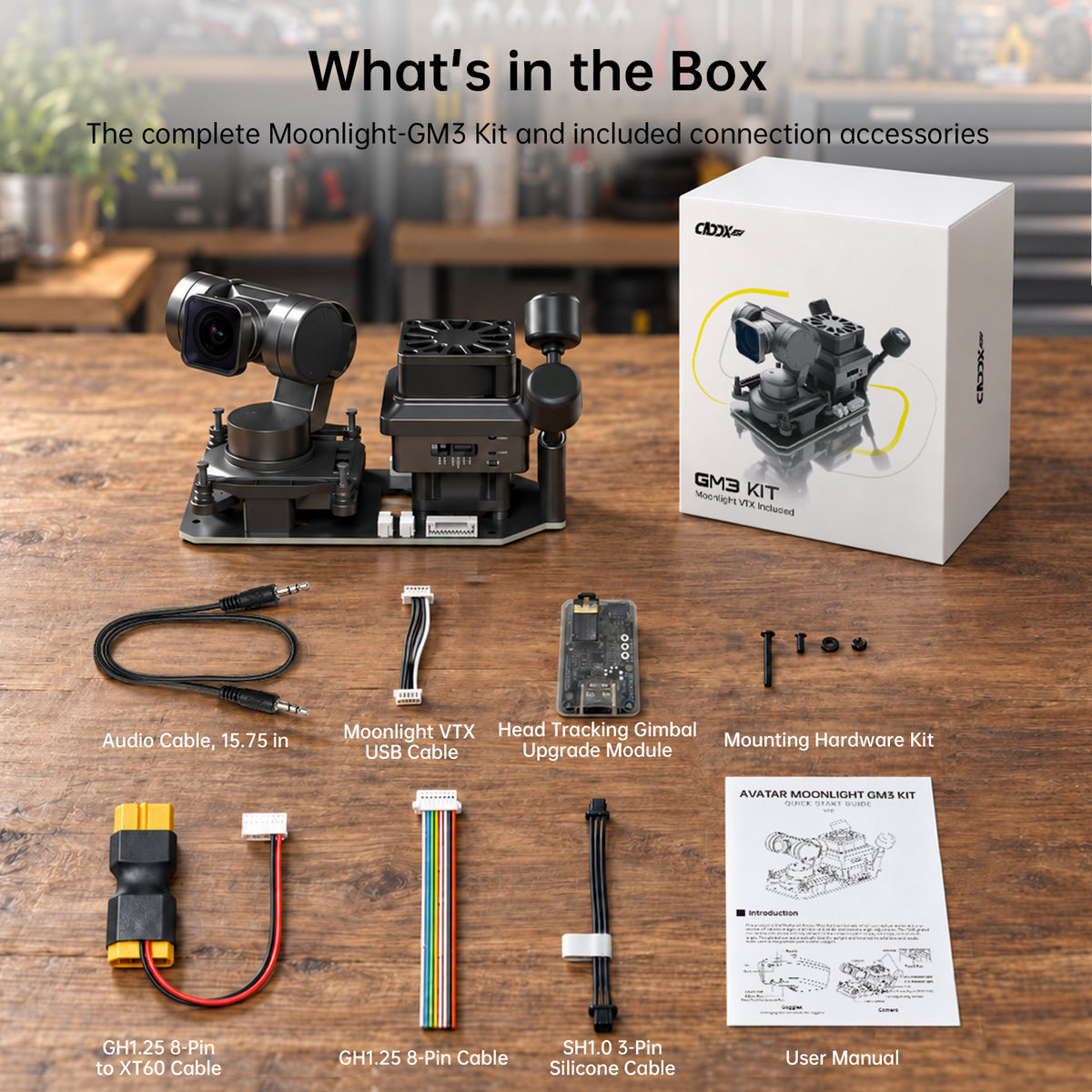
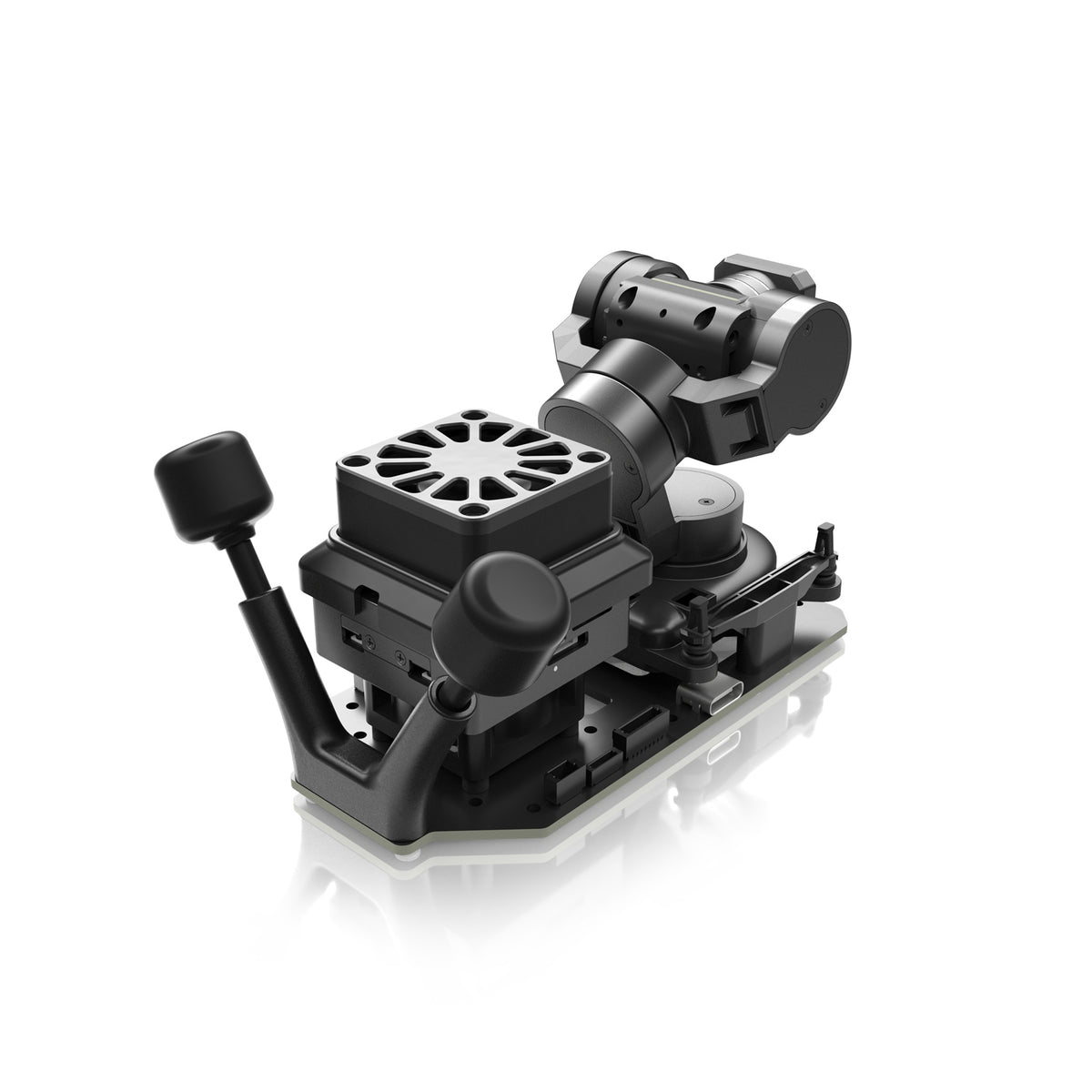
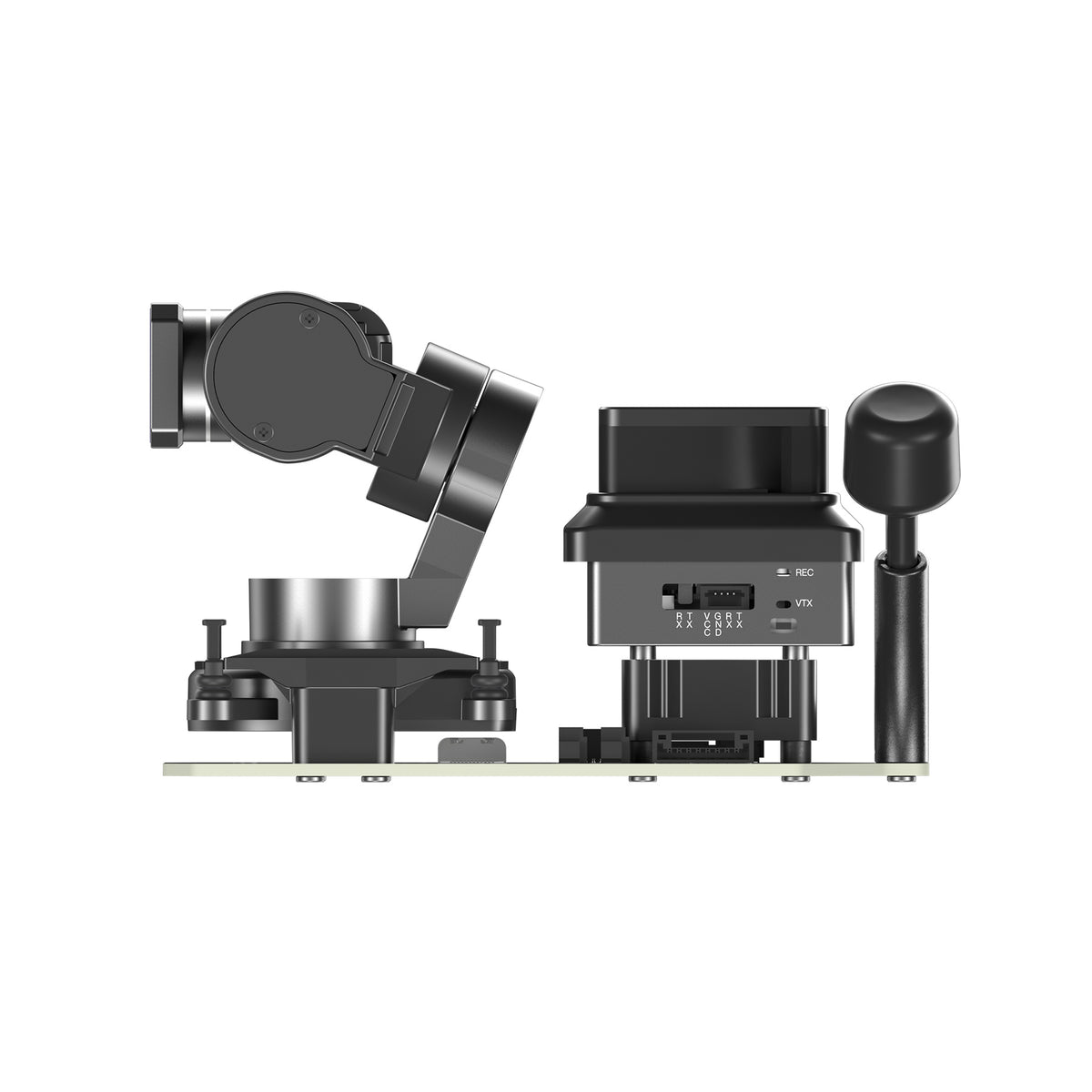
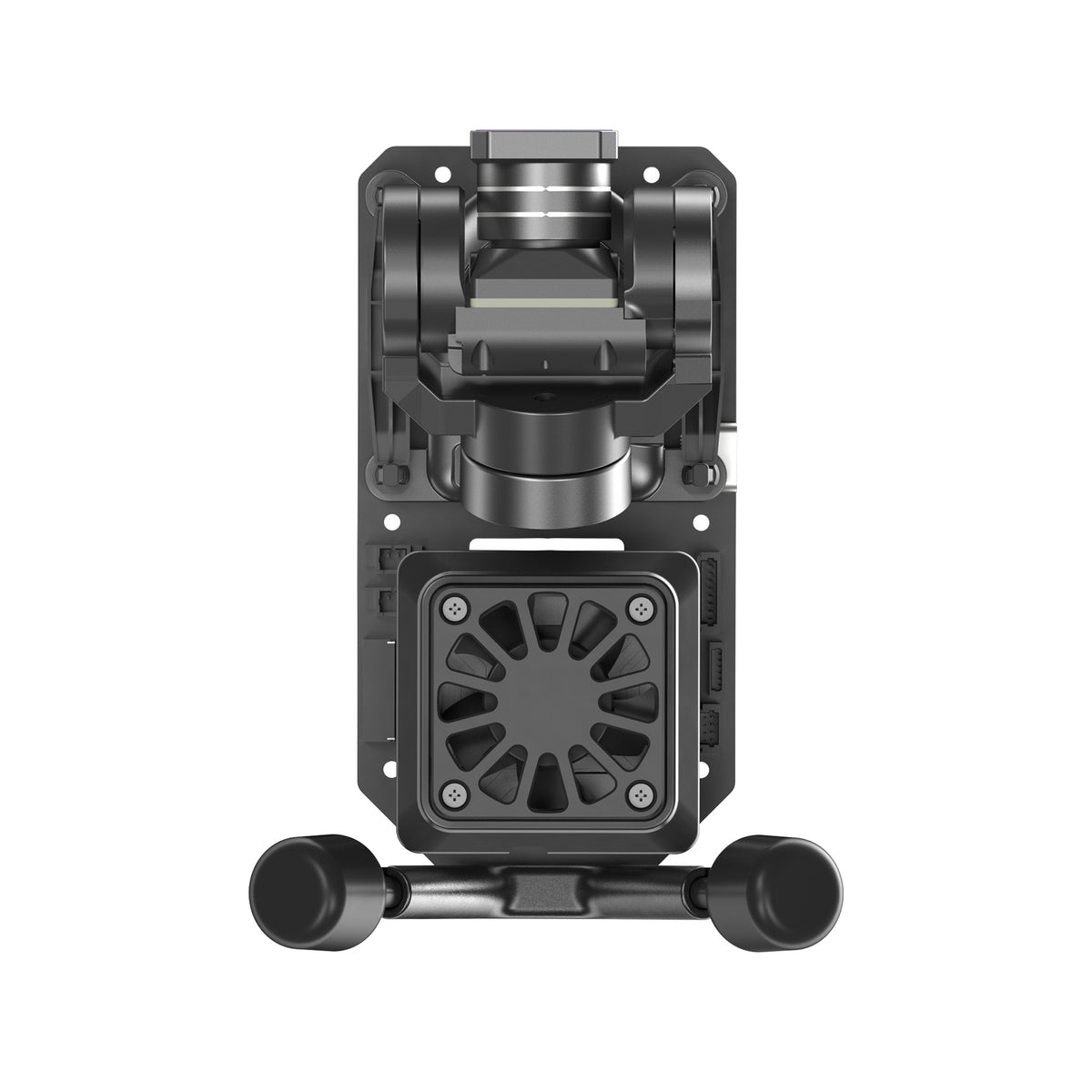
Walksnail Avatar Moonlight + GM3 V2 Integrated VTX & Gimbal PNP Kit
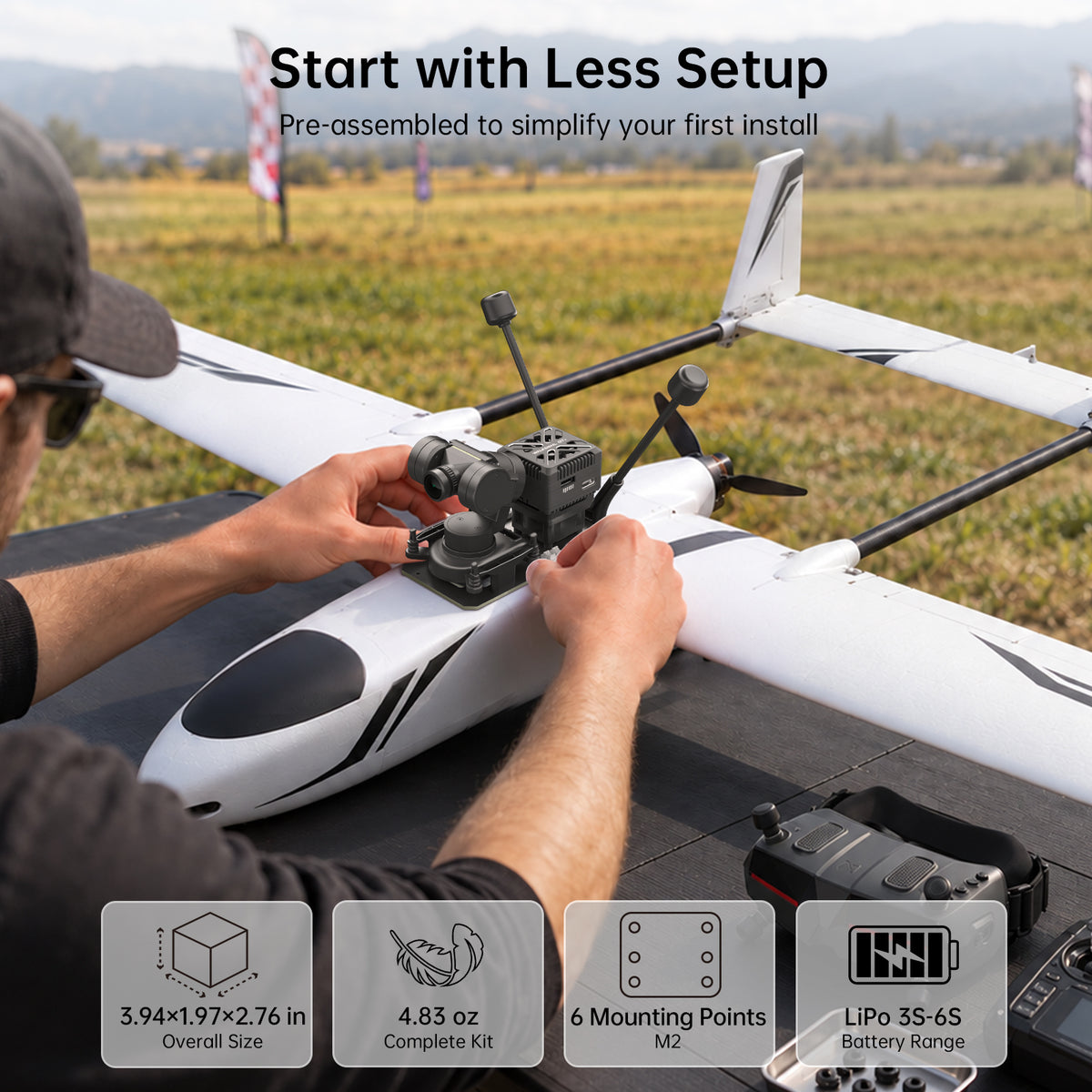
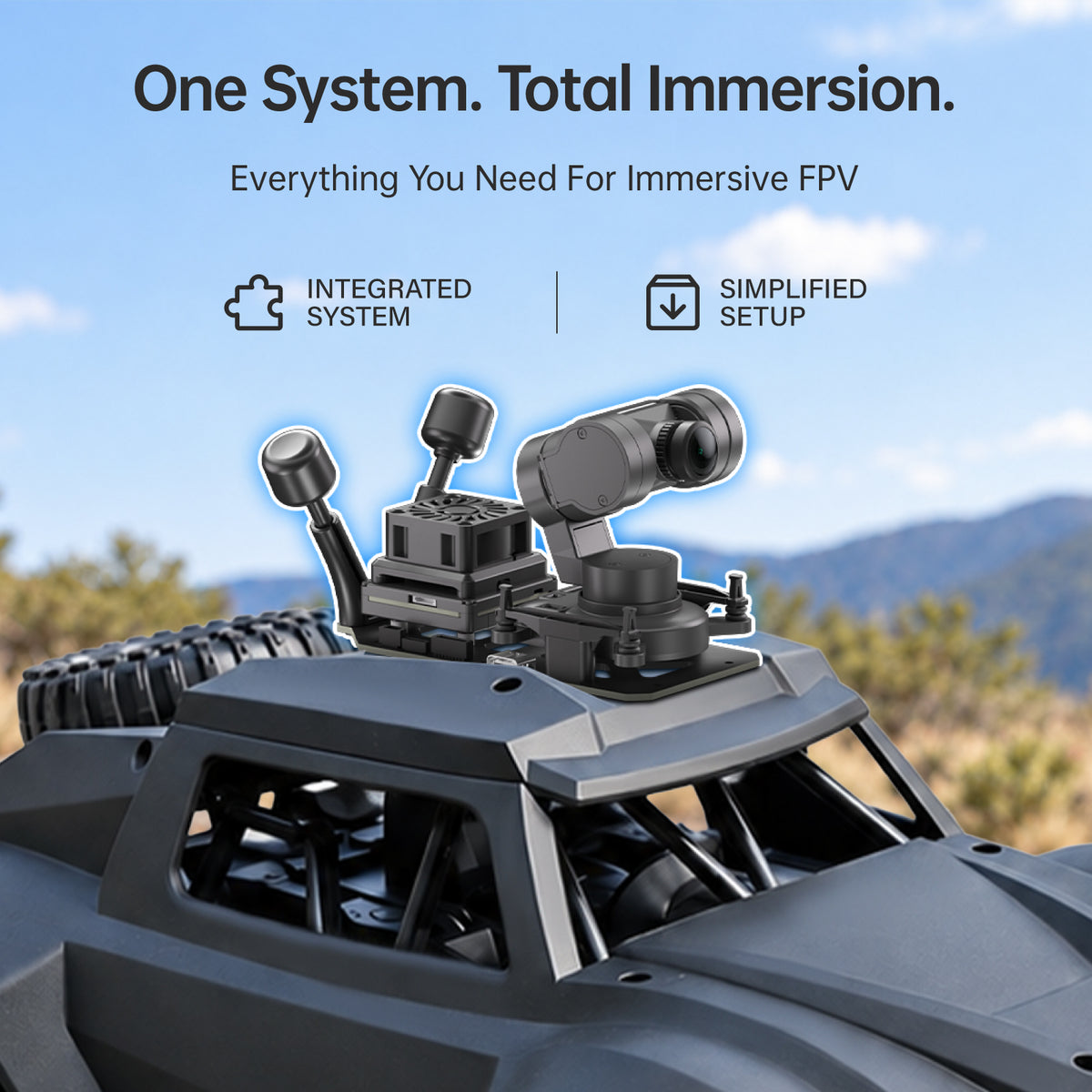
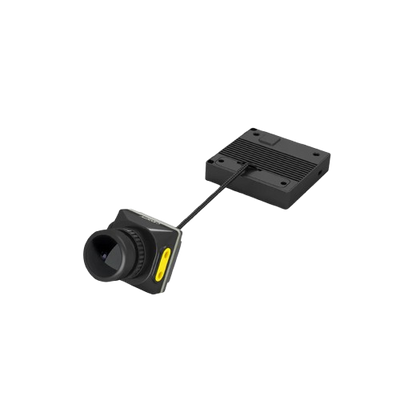
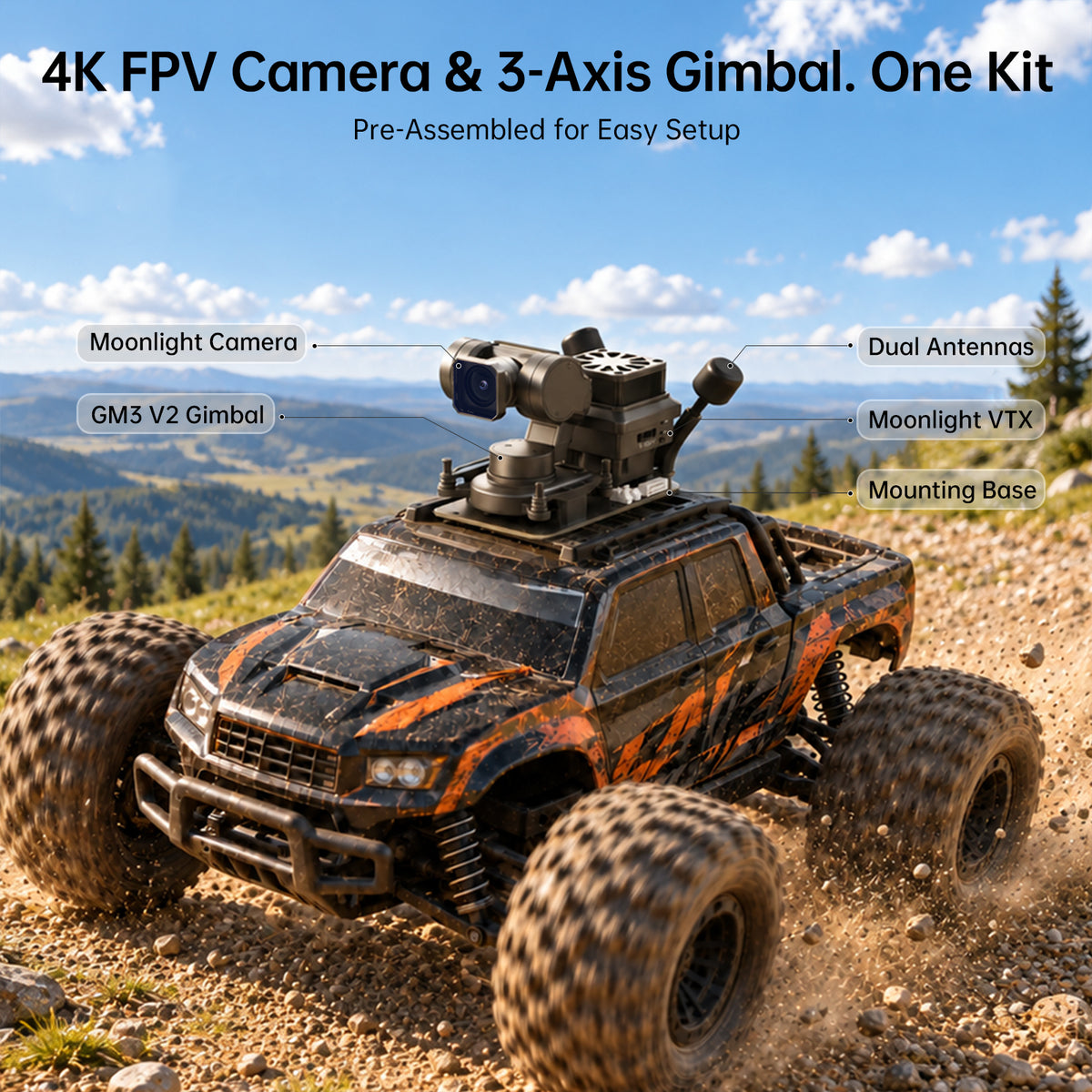
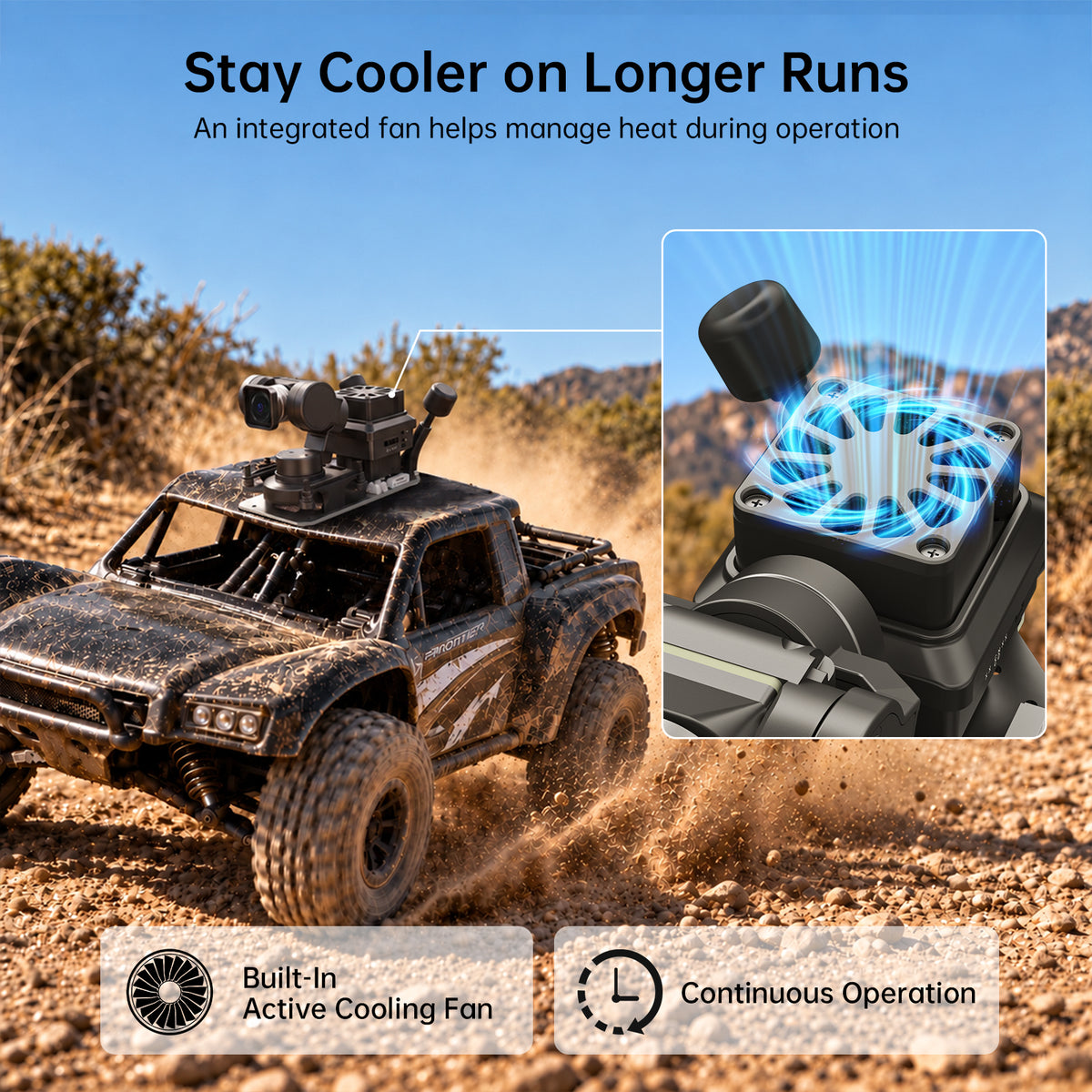
- Integrated Avatar Moonlight + GM3 V2 Gimbal System: The Avatar Moonlight GM3 PNP Kit combines the Avatar Moonlight HD FPV system with the GM3 V2 3-axis gimbal into one pre-assembled setup with an integrated cooling fan, so there is no need to piece together separate parts. Six mounting points and automatic upright/inverted installation recognition make it easy to fit RC cars, fixed-wing aircraft, and custom FPV builds.
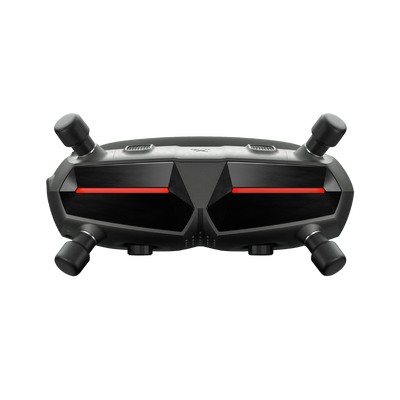
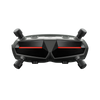
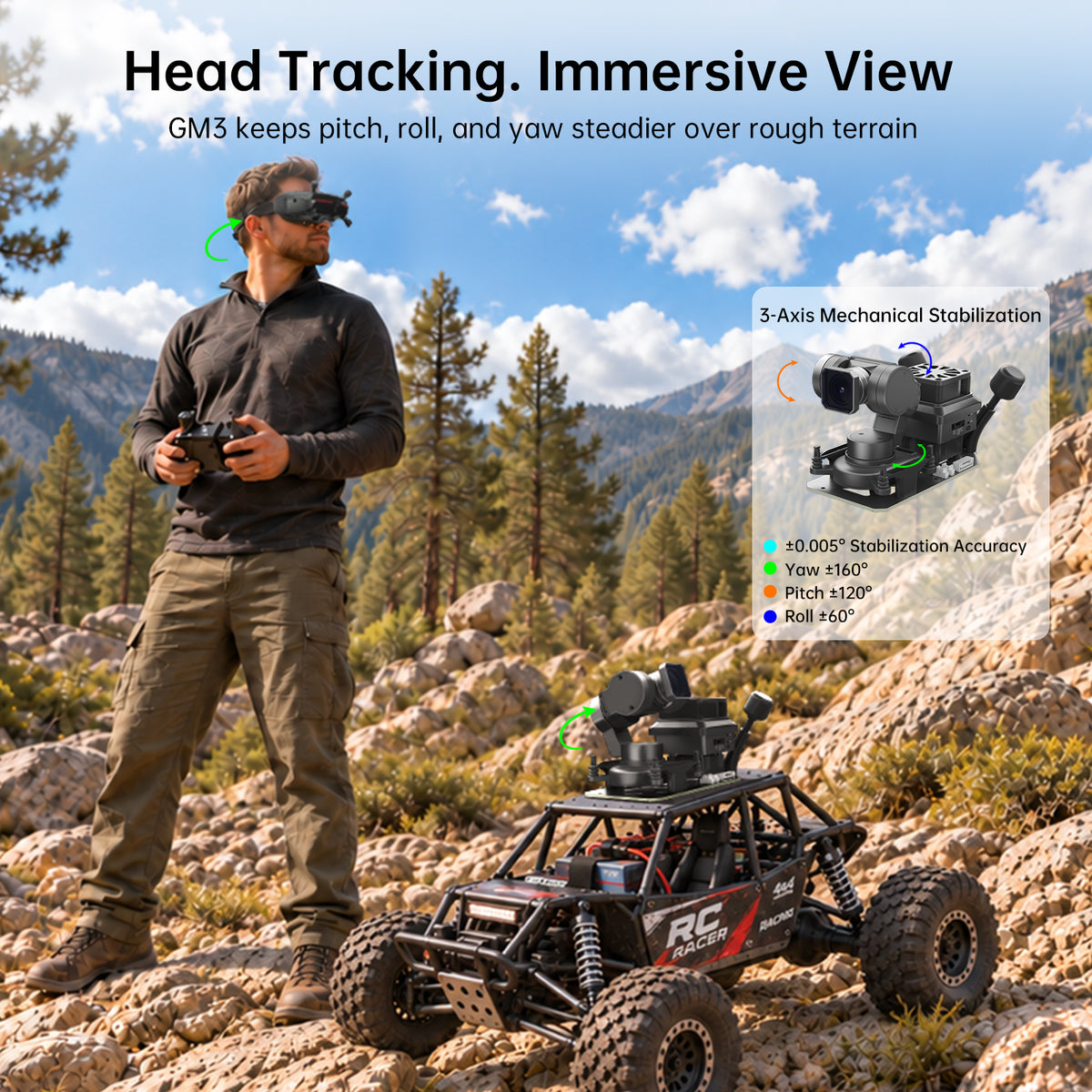
- Head Tracking & Flexible Control: Pair the system with compatible Walksnail Avatar Goggles X or L, and the GM3 V2 follows your head movement to change the viewing direction naturally, with adjustable Pan and Tilt ratios and three selectable follow modes. Prefer radio control? Switch to PWM control to match your vehicle and setup. Goggles sold separately.
- 3-Axis Mechanical Stabilization & Wide-Range View Control: The GM3 V2 stabilizes yaw, pitch, and roll with ±0.005° stabilization accuracy to reduce unwanted camera movement. With Yaw ±160°, Pitch ±120°, and Roll ±60° control and adjustable follow sensitivity, the camera can look well beyond a fixed forward-facing view. Real-time 2.7K EIS while recording and Gyroflow in post add further stabilization.
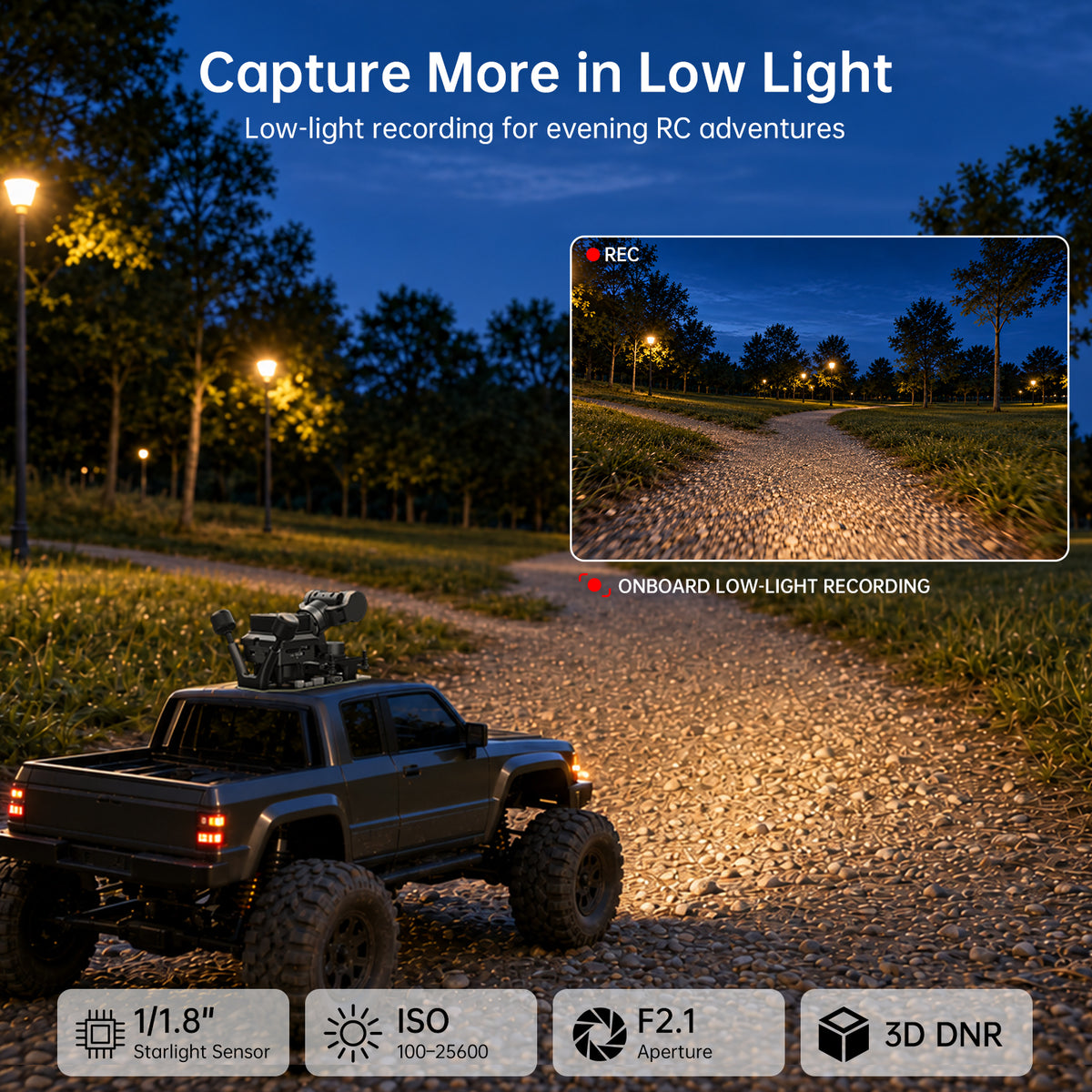
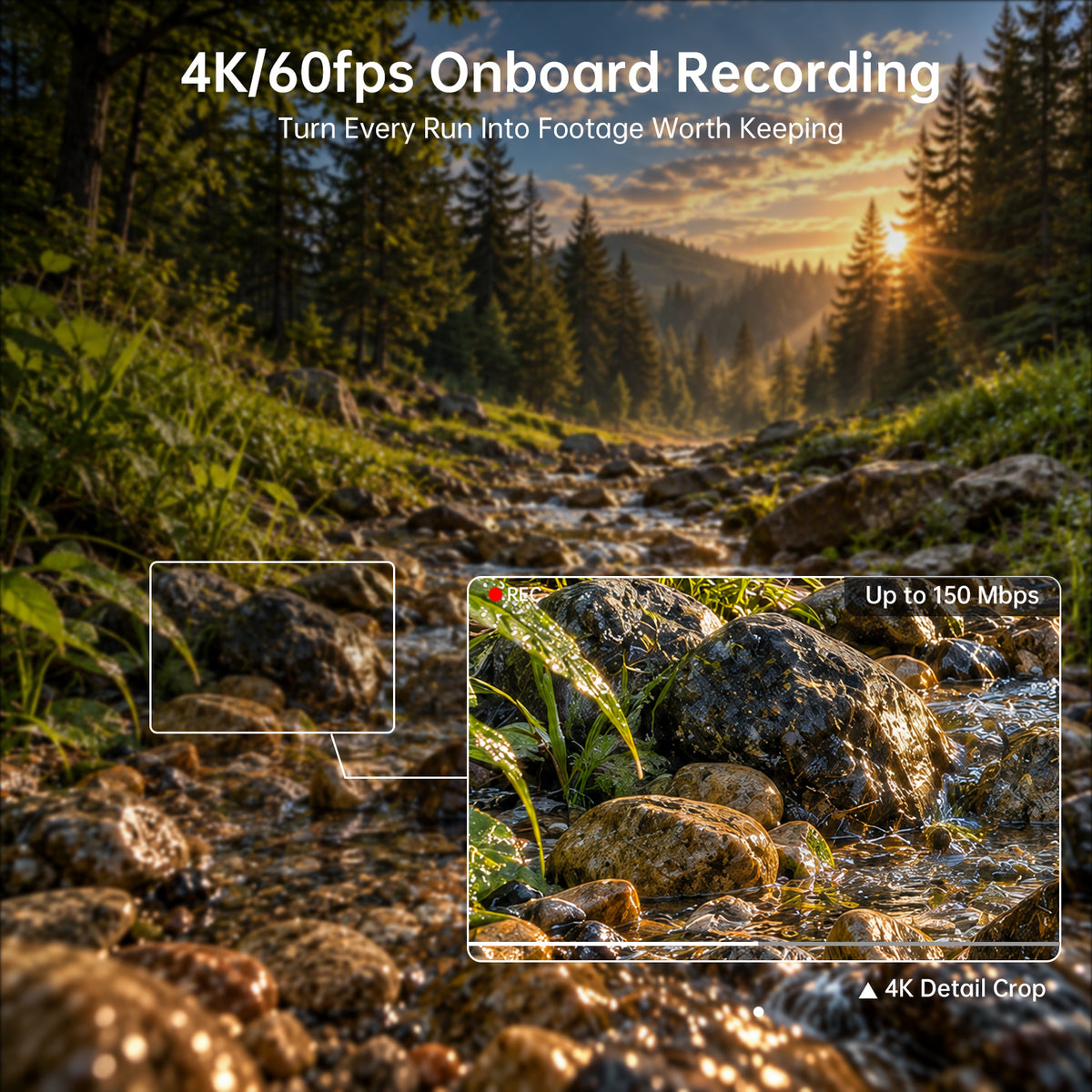
- 4K Low-Light Imaging & Flexible Recording: A large 1/1.8-inch starlight sensor, F2.1 aperture, up to 160° FOV, and an ISO range of 100–25600 deliver a wide, detailed view at dusk, in shade, and in other challenging lighting. Record up to 4K/60FPS, with 2.7K/60FPS, 1080P/100FPS, and 720P/60FPS options, directly to a Micro SD card.
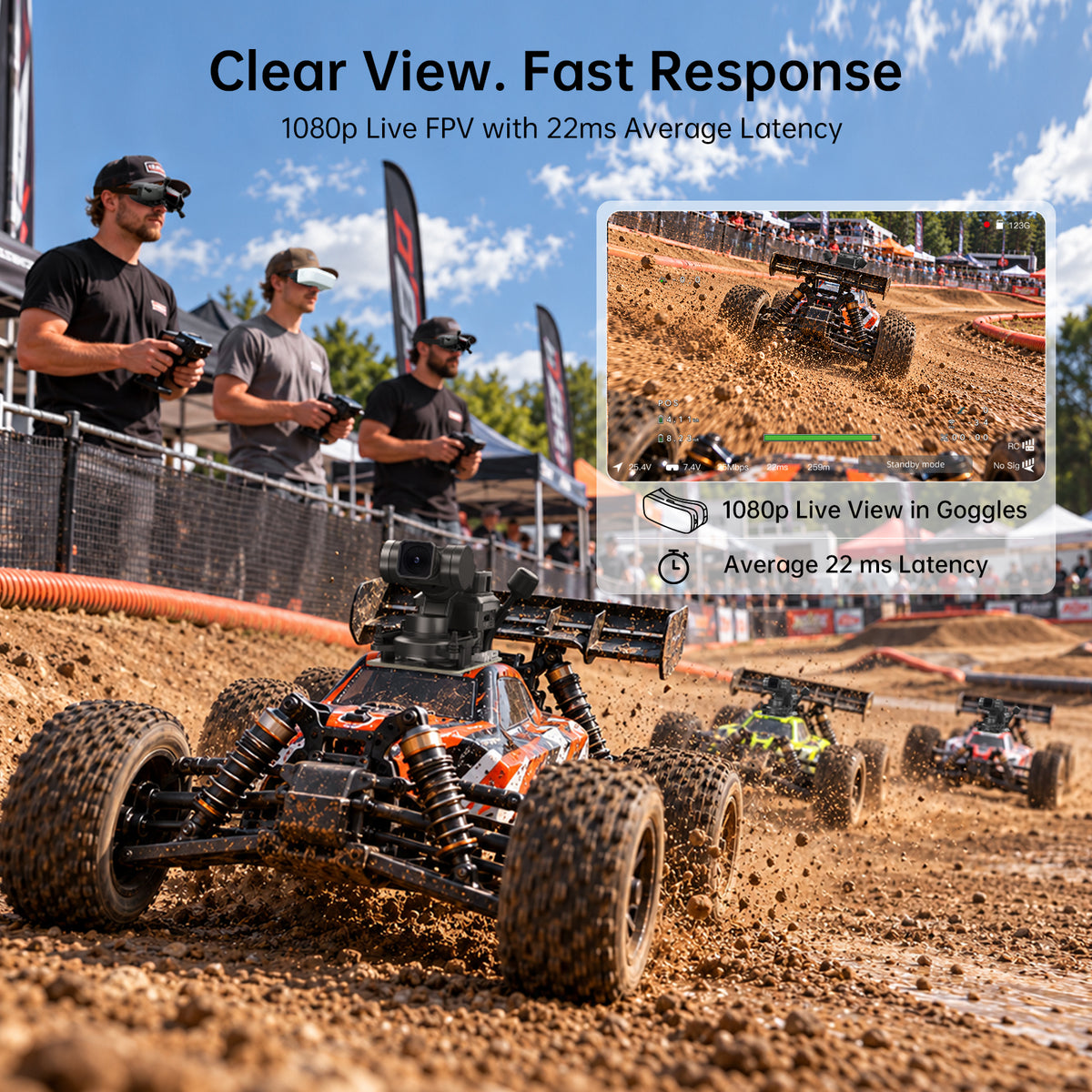
- Up to 4KM HD Transmission & Flexible FPV Integration: Enjoy digital HD video transmission up to 4KM with an average end-to-end latency of 22ms, plus 8 selectable channels so pilots can fly together without crossing signals. The 11.1–25.2V wide-voltage input supports 3S–6S LiPo setups, with Betaflight, iNav, Kiss Ultra, FETtec, ArduPilot, and Canvas Mode OSD support.
Frequently Bought Together

Walksnail Avatar HD Goggles X Only
$459.00 USD

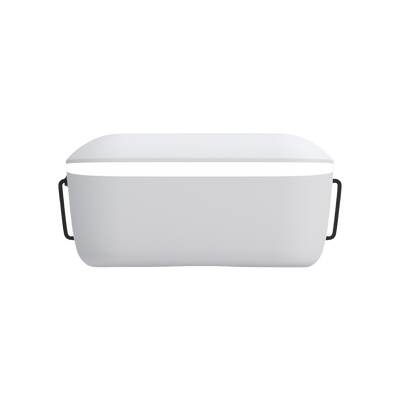
Walksnail Avatar HD Goggles L Only
$199.99 USD


Walksnail Avatar Moonlight + GM3 V2 Integrated VTX & Gimbal PNP Kit
Sale price$319.00 USD

Best for smooth aerial passes over wide open landscapes


All in One. Built to Last
4K FPV Experience
Real-Time Head Tracking
3-Axis Sensitivity
4 km Transmission Range
Recording Modes for Every Ride
From 4K detail to 100fps action. Choose 4K for cinematic scenery, 2.7K/60fps for smooth, balanced footage, or 1080p/100fps to capture fast action.

Move Your Head, Explore Freely
Adjust how much the gimbal view moves with your head movement. Set the Pan and Tilt Ratios to your preference.

3-Axis Follow Sensitivity
One setting, two results. Higher sensitivity means a fast follow response, lower sensitivity means smoother stabilization.

Up to 4 km Transmission Range
Go farther with a clear live view. Paired with the receiver, your video link stays steady and sharp, even as you push the distance.


Flexible HD Video Modes
One gimbal, two control paths. Switch between UART head tracking and PWM radio control to match your vehicle, your setup, and your style.


Wide-Range 3-Axis Movement
Look up, down, and all around. The GM3 gimbal covers ±120° of pitch, ±60° of roll, and ±160° of yaw, giving you a wide field of view.


Discover the Night
Equipped with a starlight sensor, it captures unexpected moments with stunning image quality, even in the dimmest conditions.
Ultimate FPV Gimbal. Built to Expand
Compatibility
Stabilization
8 Channels
Canvas Mode OSD
Flexible Viewing Options
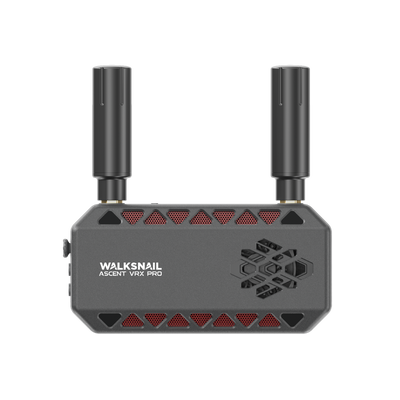
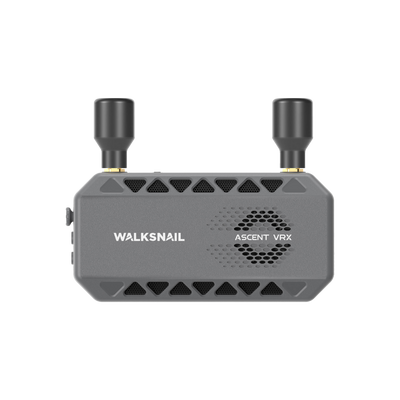
Choose how you fly. Use Avatar Goggles X or L for immersive head tracking, or receive the live video through the Avatar VRX for a simple, versatile setup.

Stabilization at Every Stage
Shake is reduced at every step. Mechanical stabilization from the GM3 gimbal, real-time 2.7K EIS while recording, and Gyroflow in post.

8 Channels. Fly Together.
Fly together without crossing signals. With 8 channels to choose from, every pilot can pick their own, making group sessions at the trail or track smooth and hassle-free.

Canvas Mode OSD
Displays real-time flight data directly on your FPV goggles.

One Kit. More RC Possibilities


SPECS
Name
Avatar Moonlight + GM3 PNP Kit
Communication Frequency
5.725-5.850GHz
Transmitter Power (EIRP)
FCC:<30dBm; CE:<14dBm; SRRC:<20dBm; MIC:<25dBm
I/O Interface
GH1.25*8 (Power in),Micro SD card Slot
Operating Temperature
-10~35℃
Wide Power Input
11.1V-25.2V
Power consumption
Static:12V@1.8A;Stall:12V@3.2A
Supported FC System
Betaflight, iNav, Kiss Ultra, FETtec, ArduPilot
FC OSD
Canvas mode
Latency
Average delay 22ms
Antenna
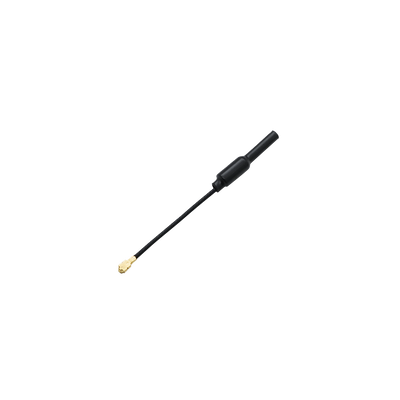
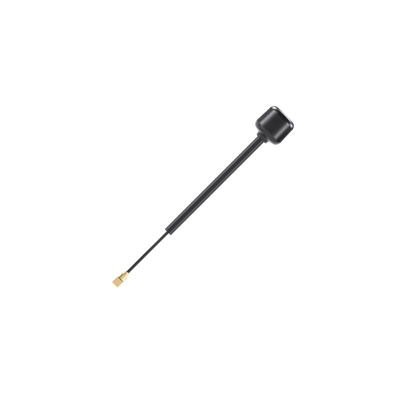
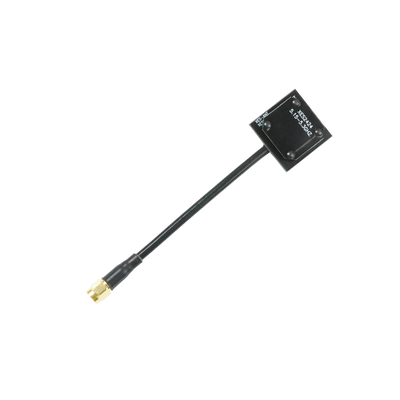
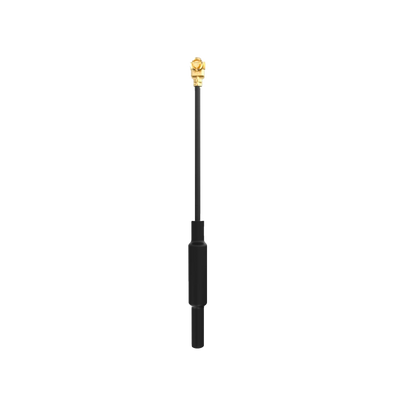
IPEX
Polarization
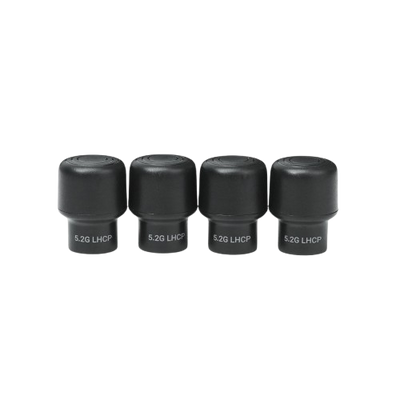
LHCP
Camera Name
MOONLIGHT CAMERA
Image Sensor
1/1.8”Inch
FOV
Max 160°
Aperture
F2.1
ISO
100-25600
Recording Resolution
4K@30/60fps; 2.7K@30/60fps; 1080p@100/60fps;
720p@60fps
Gimbal Name
GM3 V2
Image Stabilization
±0.005°
Max Controllable Speed
±1500°/s
Max Controlled Rotational Range
Yaw:±160°; Pitch: ±120°; Roll:±60°
In the Box

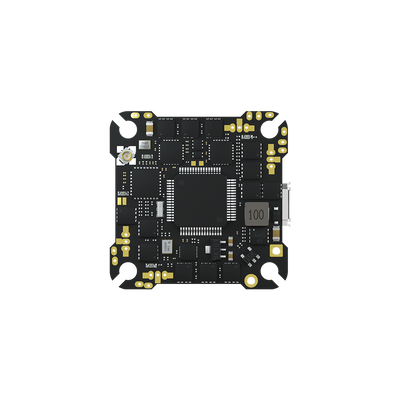
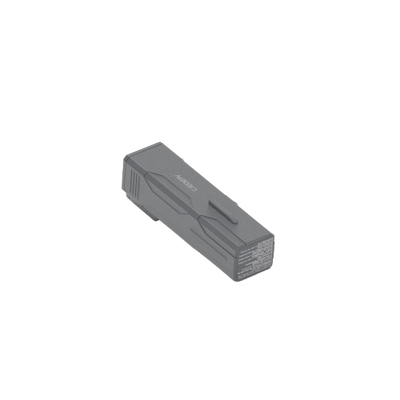
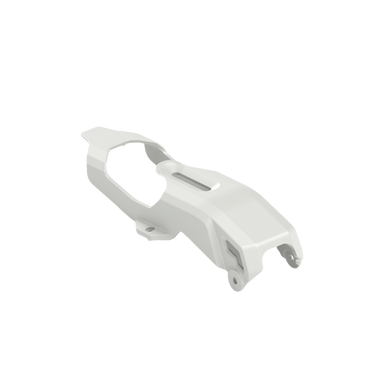
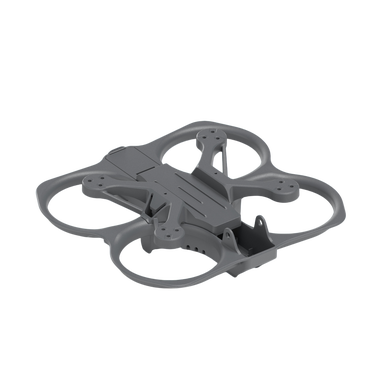
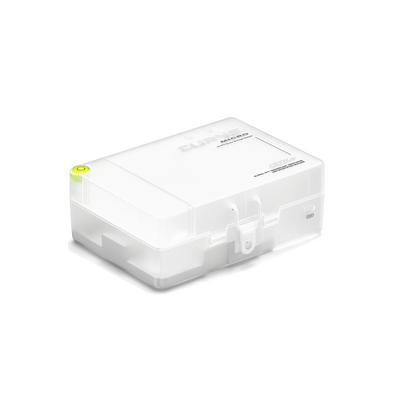
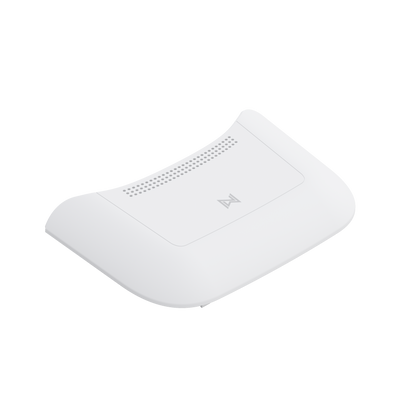
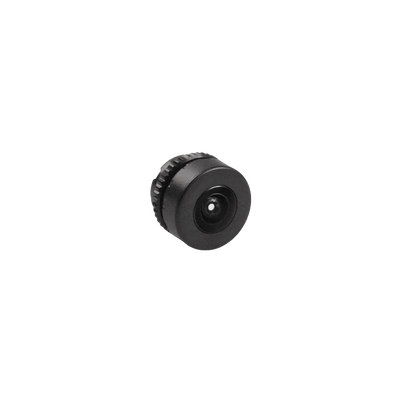
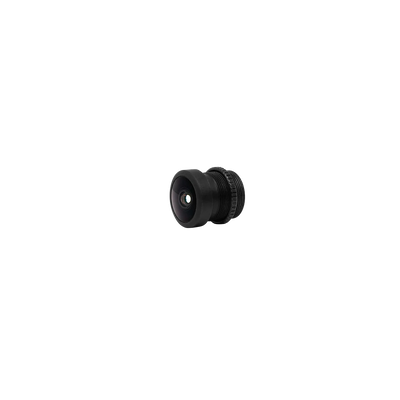
Moonlight & GM3 V2 Gimbal Kit
X 1

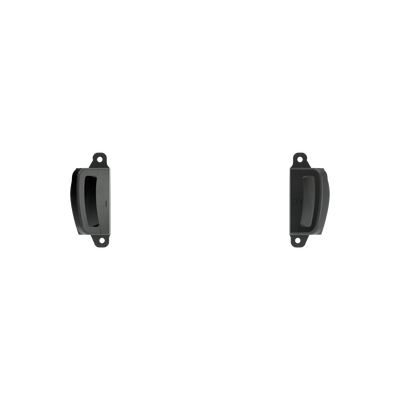
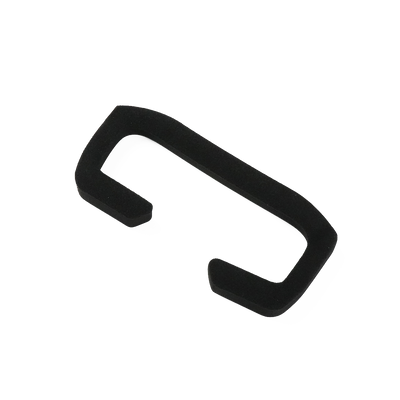
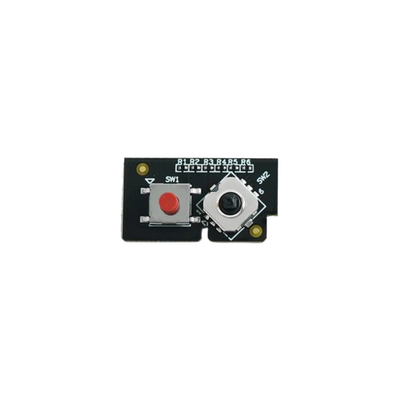
Head Tracking Gimbal Upgrade Module
X 1

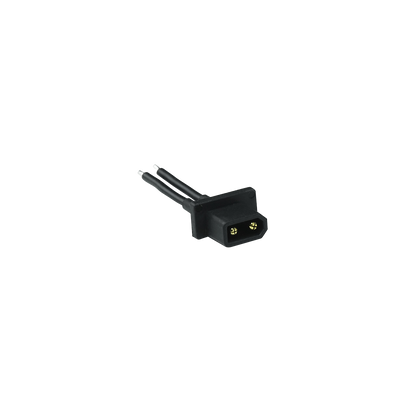
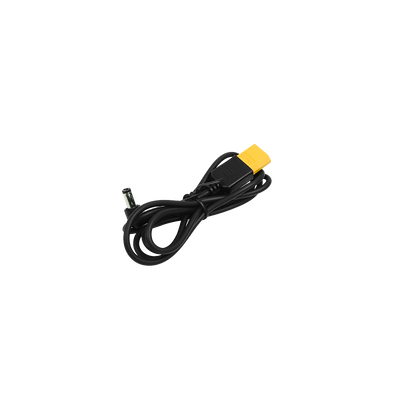
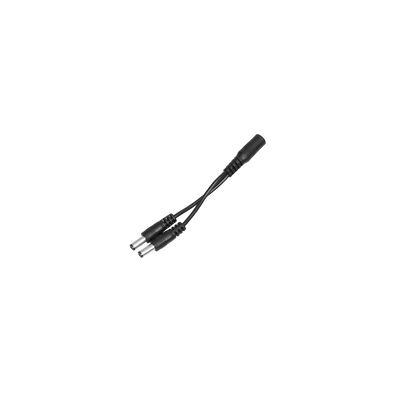
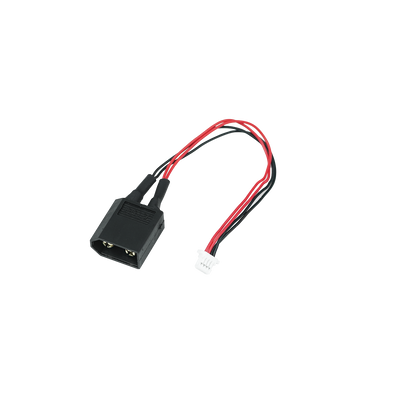
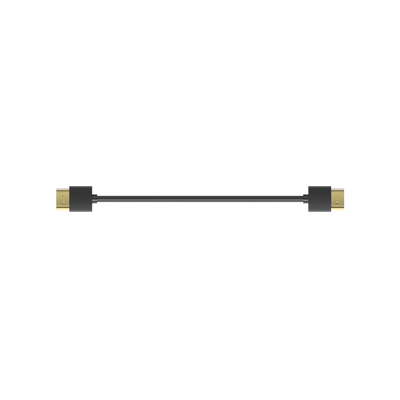
GH1.25 6-Pin to XT60 Cable
X 1

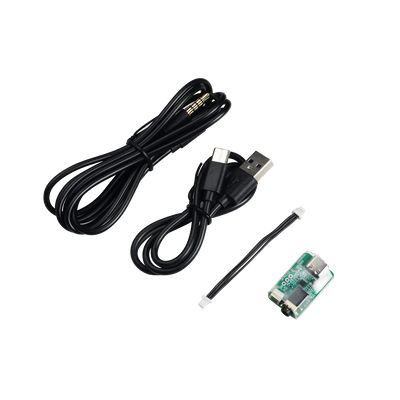
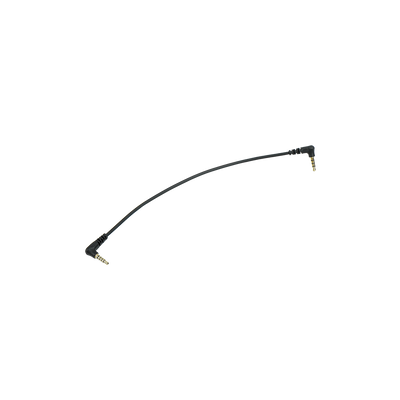
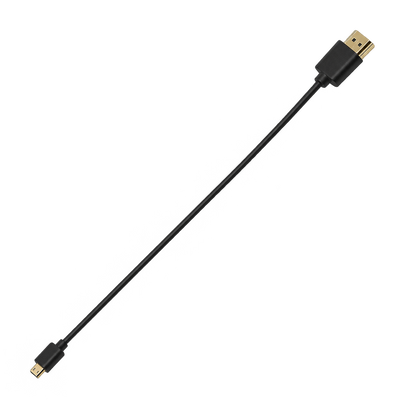
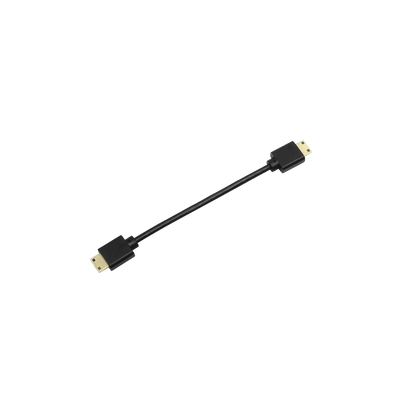
Audio Cable(15.75 in)
X 1

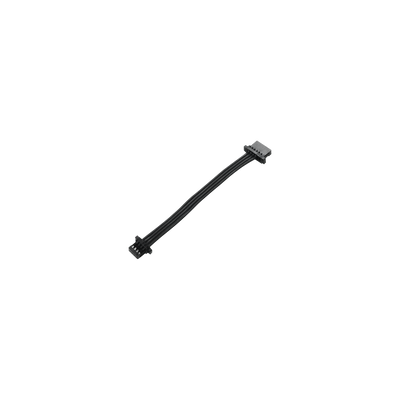
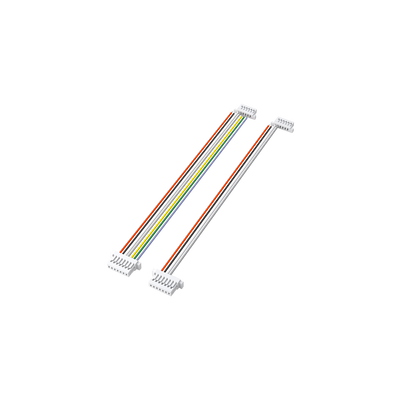
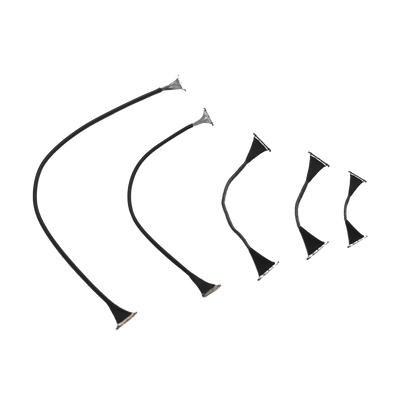
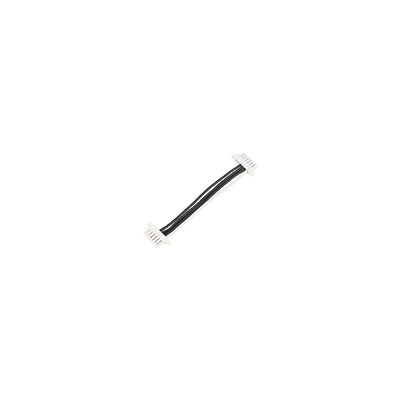
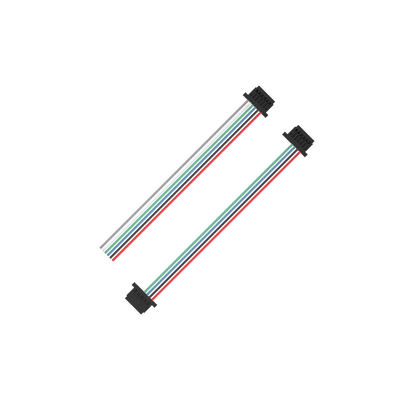
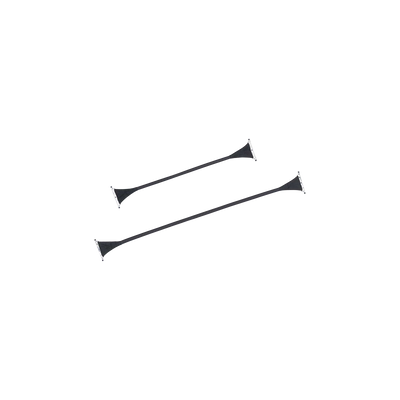
GH1.25 8-Pin Cable
X 1

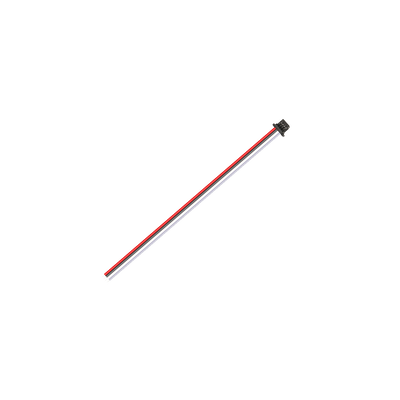
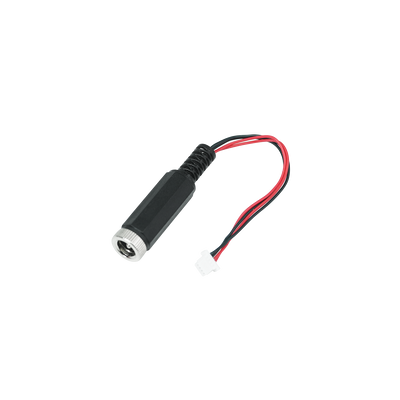
SH1.0 3-Pin Silicone Cable
X 1

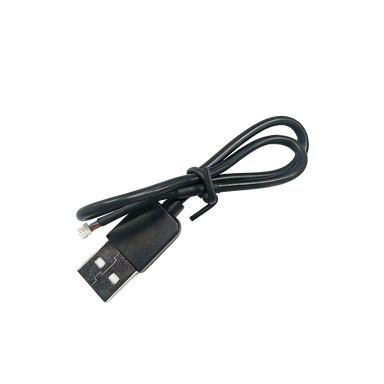
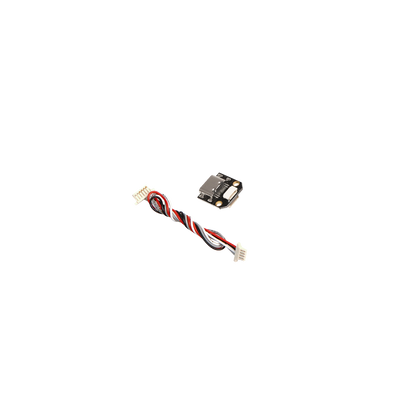
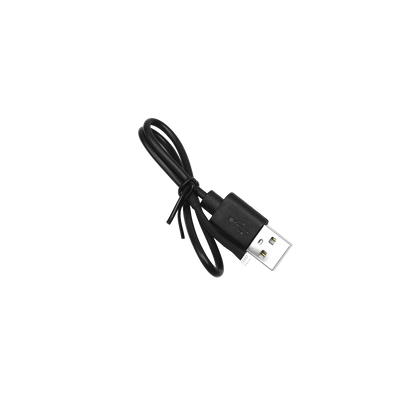
Moonlight VTX USB Cable
X 1

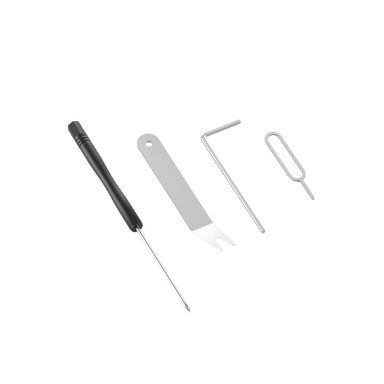
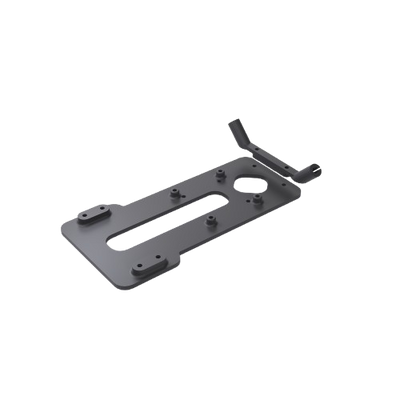
Mounting Hardware Kit
X 1

User Manual
X 1

Box
X 1
FAQ
Does the kit come pre-assembled?
Yes. The VTX and gimbal are integrated and pre-assembled.
How far can the video signal transmit?
Video range varies with the environment. Buildings, trees, and other obstacles can shorten it. Your practical driving range is limited by whichever signal drops first—the video or the remote control.
What mounting space is required for this kit?
The kit requires a mounting area of approximately 10 × 5 cm, with a base plate about 0.5 cm thick. The required height varies by VTX version, so please check the dimensions of your selected version before purchase. Make sure there is also enough clearance for the gimbal to move.
Which FPV goggles or VRX receivers are compatible with this kit?
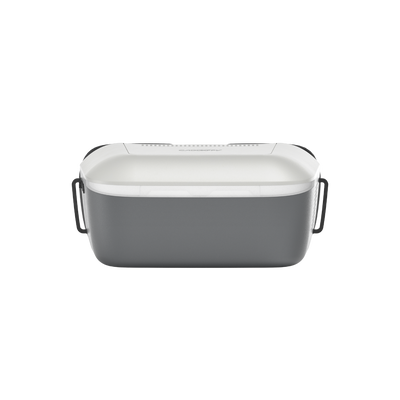
The VTX in this kit works with compatible Walksnail Avatar goggles. If your goggles have an HDMI input, you can connect them to the Walksnail Avatar VRX via HDMI. The Avatar VRX is sold separately.
What else do I need to use this kit on my RC car?
You’ll need a compatible power supply and FPV goggles, or an HDMI-compatible headset with the Walksnail Avatar VRX.
What types of vehicles can this FPV head tracking kit be installed on?
It is designed for RC cars, RC boats, fixed-wing aircraft, and FPV drones. Please make sure your vehicle has enough mounting space and clearance for the gimbal to move.
What battery voltage does the GM3 Kit support?
It supports a wide voltage input of 11.1V–25.2V, compatible with 3S–6S LiPo batteries. Do not use a battery above 26V, as it will permanently damage the kit. Static power consumption is up to 22W, and up to 40W when the gimbal is stalled. Disconnect the power when not in use.
How do I set up head tracking?
Power on the goggles and camera, short-press the pairing button, and wait for the goggles to beep and the camera indicator to stay solid red. Then go to Settings > Head Tracking and select Gimbal. The gimbal will follow your head movement, and pressing the Back button 3 times quickly re-centers it.
How do I re-center the gimbal if it drifts or points the wrong way?
You can quickly press the Back button on the goggles 3 times to re-center the gimbal. Alternatively, go to the head tracking menu and select “Reset Attitude Angle” to return the gimbal to its neutral point.
You may also like